

 Español



Part 1: What is a Progressive Multifocal Lens?
Progressive Multifocal Lens, commonly referred to as a Progressive Lens, is a corrective lens that features multiple focal points on a single lens with a smooth, continuous change in prescription power. Developed in the mid-20th century, it is designed to solve visual impairments caused by the loss of accommodation (such as presbyopia) when looking at distant, intermediate, and near objects.
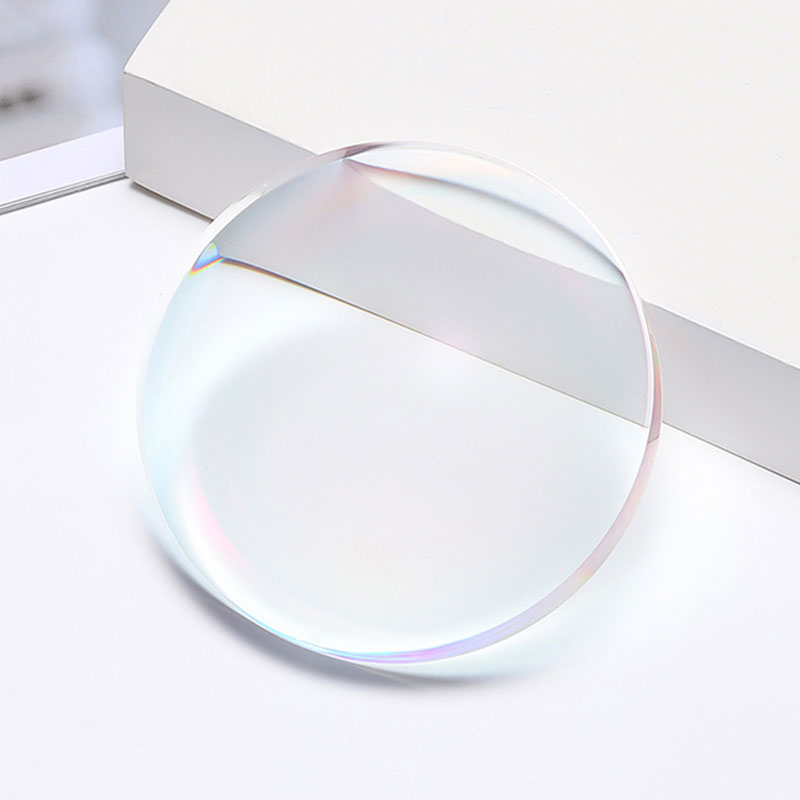
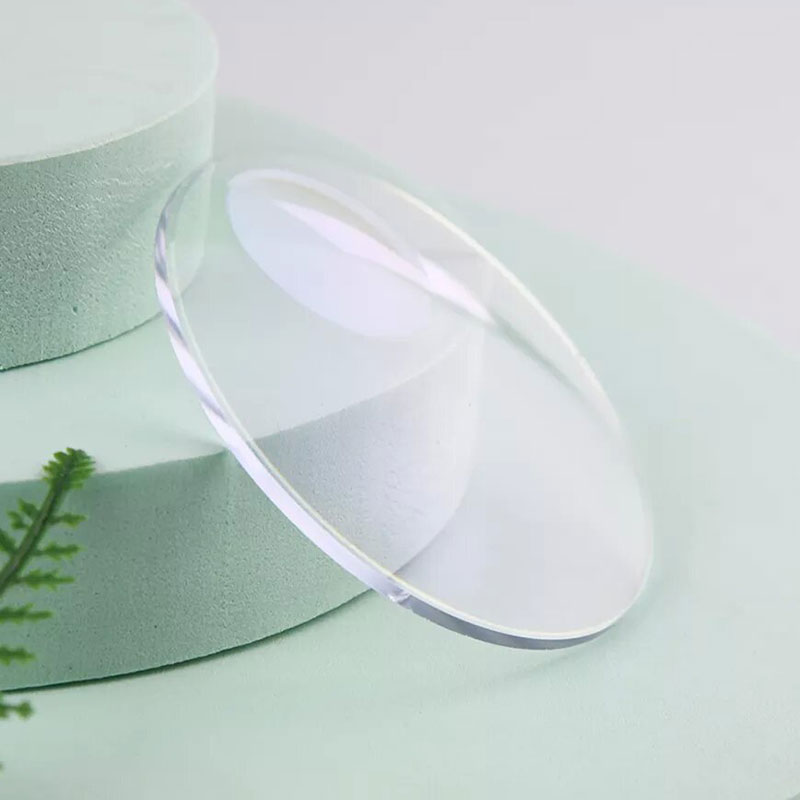
Unlike traditional single-vision or bifocal lenses, a Progressive Lens has no visible physical dividing lines. The lens surface is smooth and flat, appearing identical to ordinary nearsighted glasses.
Core Design Logic
The design of the Progressive Lens follows the natural viewing habits of the human eye:
Looking Straight (Distance): The upper part of the lens is used for observing objects at a distance.
Looking Down (Near): The lower part of the lens is used for reading or close-up work.
Middle Transition (Intermediate): Between the upper and lower zones, there is a progression zone where the power gradually changes for viewing objects at intermediate distances.
Key Parameter Comparison: Progressive vs. Traditional Lenses
| Parameter/Feature | Single Vision Lens | Bifocal Lens | Progressive Multifocal Lens |
| Number of Focal Points | 1 | 2 (Far + Near) | Infinite continuous focal points |
| Appearance Lines | None | Visible dividing line | None (Seamless and smooth) |
| Image Jump | None | Yes (Due to sudden power change) | None (Smooth transition) |
| Intermediate Vision | Poor | Very Poor (Blind spot exists) | Excellent (Covers computers/dashboards) |
| Aesthetics | Excellent | Poor (Often associated with aging) | Excellent (Looks like normal glasses) |
| Adaptation Difficulty | Very Easy | Medium | Medium to Hard (Requires 1-2 weeks) |
| Visual Blind Spots | None | None | Peripheral aberration (blur zones) |
Technical Note: A core parameter of the Progressive Lens is ADD (Addition). This represents the additional positive power at the bottom of the lens compared to the top. As age increases, the ADD value typically rises (e.g., +1.00D around age 40, +2.00D around age 50).
Part 2: Optical Principles and Structure of Progressive Lenses
The essence of the Progressive Multifocal Lens lies in the complex geometric changes of its surface. It is not a simple spherical lens but a precision-engineered asymmetric aspheric lens.
Vertical Distribution of Visual Zones
The lens is divided into three main functional zones and a connecting corridor from top to bottom:
Distance Zone:
Position: Upper half of the lens.
Function: Used for seeing objects beyond 5 meters (e.g., driving, watching movies, walking).
Characteristics: The most stable power and the widest field of view.
Progressive Corridor (Intermediate Zone):
Position: The narrow channel connecting the distance and near zones.
Function: Used for intermediate distances (e.g., computer screens, car dashboards, supermarket shelves).
Characteristics: Power increases gradually from top to bottom; the corridor is usually narrower.
Near Zone:
Position: Lower half of the lens, slightly tilted toward the nose.
Function: Used for close-up reading (e.g., newspapers, smartphones, sewing).
Characteristics: Reaches the maximum preset ADD value.
Aberration Zones: The Physical Boundary
On the lower left and right sides of the lens, there are unavoidable Distortion Zones, also known as blur zones.
Cause: Since the power changes continuously in the vertical direction, mathematical laws dictate that astigmatism (aberration) must occur on the sides.
Sensation: Looking through these areas can cause blurriness, object deformation, or a swaying sensation.
Evolution: Modern designs use algorithms to push these zones to the far edges to expand the effective clear field of view.
Parameter Comparison: Long Corridor vs. Short Corridor
| Feature | Long Corridor | Short Corridor |
| Corridor Length | Usually 14mm or more | Usually 10mm to 12mm |
| Visual Transition | Very smooth; short adaptation | Faster change; requires more eye adjustment |
| Intermediate Width | Relatively wider; good for computer use | Relatively narrower |
| Frame Compatibility | Requires larger frames (Height > 30mm) | Fits small, fashionable narrow frames |
| Near Vision Access | Requires more downward head/eye tilt | Reach near zone with slight downward gaze |
Part 3: Main Classifications of Progressive Lenses
Progressive Multifocal Lenses come in different forms based on usage scenarios and manufacturing processes.
Core Classifications by Usage
General Purpose Progressives:
Features: Balances far, intermediate, and near zones.
Use: All-day wear, covering driving, walking, and reading.
Office/Occupational Lenses:
Features: Greatly widens the Intermediate (Computer) and Near (Reading) zones while sacrificing the distance zone.
Use: Long-term screen work for professionals like accountants, dentists, or artists. Usually not suitable for driving.
Myopia Management Progressives (For Youth):
Features: Uses the progressive principle to reduce accommodative stress during close-up work to help slow the progression of nearsightedness in children.
Key Parameter Comparison: General Purpose vs. Office Type
| Performance Metric | General Purpose | Office/Work Type |
| Distance Zone | Full Panoramic View (5m to infinity) | Minimal or none (max approx. 4m) |
| Intermediate Zone | Narrower; for dashboards/short screen use | Very Wide; covers 50cm to 2m core |
| Near Zone | Sufficient for basic reading | Very Wide; for intensive reading |
| Peripheral Distortion | Distributed on lower sides | Relatively smaller; higher comfort |
| Best Scenario | Driving, outdoors, all-day | Indoor office, meetings, screen work |
| Contraindication | Almost none | Forbidden for driving or high-speed sports |
Technical Evolution: Standard vs. Digital Freeform
Standard Design:
Uses preset grinding templates. Limitations: Fixed field of view, more noticeable blur zones, longer adaptation.
Digital Freeform Design:
Uses point-to-point digital surfacing on the inner or both surfaces of the lens. Advantages: Wider field of view, better dynamic vision, and personalized parameter customization.
Key Physical Parameters Comparison Table
| Parameter Name | Standard Design | Digital Freeform Design |
| Processing Precision | +/- 0.12D | +/- 0.01D |
| Aberration Control | Fixed distribution | Dynamic optimization |
| Adaptation Period | 7 - 14 Days | 1 - 3 Days |
| ADD Accuracy | Step-like change | Linear smooth change |
Part 4: Adaptation Process for Progressive Lenses
Since Progressive Multifocal Lenses integrate multiple powers, the brain and eyes must learn how to switch visual focal points.
Core Adaptation Mechanism: Moving the Head instead of just the Eyes
Finding the Sweet Spot: You need to move your head slightly up and down to find the clearest zone for the distance you are viewing.
Side Viewing: You must turn your entire head to face an object instead of glancing sideways through the blur zones.
Stages of the Adaptation Period
| Stage | Timeframe | Visual Experience | Key Action |
| Initial Trial | Days 1 - 2 | Normal distance view; must search for near focus; slight dizziness. | Static indoor wear. Sit and read; avoid heavy exercise. |
| Dynamic Adjustment | Days 3 - 7 | Walking becomes stable; slight deformation when on stairs. | Try outdoor walking. Tuck chin when going downstairs. |
| Habit Formation | 1 - 2 Weeks | Muscle memory for focal switching; blur zones are filtered by the brain. | Full-day wear. Use for driving and office work. |
Parameters Affecting Adaptation Success
| Parameter | Easier to Adapt | Harder to Adapt |
| ADD Power | Low ADD (+1.00D to +1.50D) | High ADD (> +2.50D) |
| Astigmatism | Low (< 1.00D) | High or large axis differences |
| Ametropia Type | Farsightedness with Presbyopia | Nearsightedness with Presbyopia |
| Fitting Height (PH) | Precise (Error < 0.5mm) | Offset (Misaligned zones) |
| Pantoscopic Tilt | Moderate (8 to 12 degrees) | Too flat or too tilted |
Professional Advice for New Wearers
Do not alternate with old glasses: Avoid disrupting the brain's new visual mapping.
Notice the Swim Effect: Through consistent wear, the brain typically corrects this spatial illusion within days.
Stairway Alert: Lower your chin slightly to use the upper half of the lens for stairs.
Part 5: Pros and Cons Analysis
Core Advantages
Continuous Visual Space: Provides a smooth, seamless transition from infinity to close reading.
Elimination of Image Jump: No sudden shifting of images when switching gaze.
Privacy and Aesthetics: No visible age lines, looking identical to standard glasses.
Improved Posture: No need to tilt the head excessively back for intermediate tasks like computer work.
Physical Limitations
Peripheral Aberration: Blur zones are physically necessary on the lower sides of the lens.
Restricted Field Width: The intermediate and near zones are relatively narrower than single-vision lenses.
Swim Effect: A sensation that surroundings are swaying during fast head movements.
Comparison: Progressive vs. Bifocal vs. Single Vision
| Parameter | Progressive | Bifocal | Single Vision |
| Visual Continuity | 100% (Seamless) | 0% (Disjointed) | 100% (Single Focus) |
| Intermediate Utility | Very High | Very Low | Low (Requires removal) |
| Lateral Clarity | Lower | High | Highest |
| Appearance | Excellent | Poor | Excellent |
| Depth Perception | Requires learning | Fairly natural | Natural |
Part 6: FAQ
Common Issues and Solutions
Q: Why is it blurry when I look to the sides?
A: This is normal due to peripheral aberration. Train yourself to point with your nose at what you want to see.
Q: Why do I feel like I'm tripping on stairs?
A: You are likely looking through the near zone. Lower your chin slightly to use the top half of the lens for stairs.
Q: What if I still can't adapt after two weeks?
A: Usually caused by: Incorrect fitting height (PH), incorrect pupillary distance (PD), or incorrect ADD/prescription values.
Key Fitting Parameters Table
| Parameter | Ideal Standard | Symptom of Error |
| Frame Height | Typically 30mm or more | Small frames cut off reading zone |
| Pantoscopic Tilt | 8 to 12 degrees | Improper angle causes distortion |
| Vertex Distance | 10mm to 14mm | Too far narrows the field |
| PH Tolerance | +/- 1mm or less | Hard to find focus spot |
Usage Scenario Reminders
Driving: Ensure you use General Purpose lenses. Use the middle corridor for the dashboard and turn your head for side mirrors.
Office Work: For full-day screen use, consider an Office Lens, which provides a field of view for computers up to 2 times wider than general progressives.